← All posts
General
#12 process of ui/ux updates to portfolio site
·
2 min read
So I’m writing this now at 1:11am on Saturday, with a few days to go for my last exam of the semester. I’m working on improving colors of my portfolio site. Using coolors.co for color combos and Pinterest for color inspiration. I feel like a combo of these two works really well for now atleast.
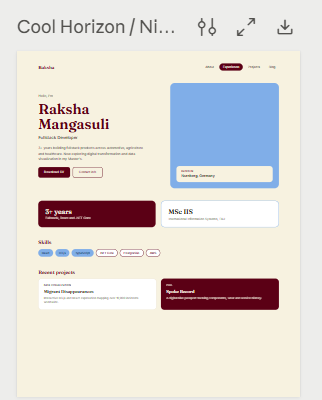
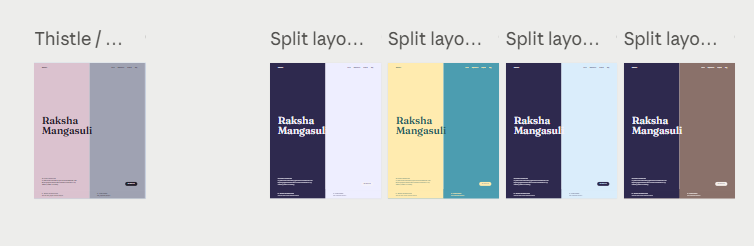
So far I’ve tried so many palettes, but none seem to be working so far unfortunately. Hoping for the best.
It’s so interesting to figure out which tools/ sites to use for good color palette of my site. Such simple things, but they make so much of a difference.
Now I tried using Realtimecolors website for visualizing how the site would look like with those colors, and I feel like this is such a nice concept. But the whole process sounds a bit complex right now, take inspiration from Pinterest, find a good color combo from Coolors and then visualize it in Realtimecolors. Let’s see if there’s any way in which I can simplify it.
Also, earlier just figuring out the favicons took forever, didn’t see that coming xD

 Ultimately I am kind of in the process of choosing the one on the left, and just for reference, the one on the right is the most generic icon possible.
I just realised that I can use the color combos from the portfolio site trials, for my blog site. Going to try it. Also just found a good layout for my blog posts <3
I’m happy that my Claude credits are expiring, because of that i’m trying all this, feels good xD